When I set out to automate Plant-for-the-Planet’s internal workflows, I had a simple requirement: I needed n8n (a powerful workflow automation tool), but I didn’t want to manage a server.
We were already using Heroku for our main stack, so deploying n8n there seemed like the logical step. I thought it would be a quick afternoon task: write a Dockerfile, push it, and go home.
I was wrong. What followed was a week of relentless trial and error, staring at CrashLoopBackOff logs, and hacking around Heroku’s strict security model.
Here is the story of how I built the first stable, one-click Docker deployment for n8n on Heroku—and the specific technical hurdles I had to break to get there.
Phase 1: The “Permissions” Hell
The first wall I hit was immediate. I tried deploying the standard n8n Docker image, and the app crashed instantly.
The logs were cryptic but pointing to a permissions failure:
Bash
su-exec: setgroups: Operation not permitted
[WARN tini (3)] Tini is not running as PID 1
The Engineering Conflict:
The official n8n image at the time relied on su-exec to switch users at runtime. It expected to start as root, set up permissions, and then drop down to the node user.
Heroku, however, is a locked-down PaaS. It runs containers with a random, non-root user ID for security. It strictly forbids setgroups calls. Basically, the container was trying to say “I am root,” and Heroku was saying “No, you are not.”
The Fix:
I had to rebuild the image from scratch. I wrote a custom Dockerfile that stripped out the su-exec logic entirely. Instead of trying to switch users at runtime, I configured the image to run natively as the node user from the start, ensuring it never requested privileges Heroku wouldn’t grant.
Phase 2: The Random Port Lottery
Once I fixed the user permissions, the app started—but nobody could reach it.
Heroku reported: Error R10 (Boot timeout) -> Web process failed to bind to $PORT.
The Engineering Conflict:
n8n defaults to listening on port 5678.
Heroku doesn’t care about your defaults. It assigns a random port to your application every time the dyno restarts (e.g., 12345, 54321) and passes it via the $PORT environment variable. If your app doesn’t listen on exactly that port within 60 seconds, Heroku kills the process.
The Fix:
I couldn’t hardcode the port in a config file because it changed every 24 hours. I had to write a dynamic entrypoint script (docker-entrypoint.sh) to bridge the gap:
Bash
#!/bin/sh
if [ -z ${PORT+x} ]; then
    echo "PORT variable not defined, leaving N8N to default port."
else
    # Inject Heroku's random port into n8n's expected variable
    export N8N_PORT=$PORT
    echo "N8N will start on '$PORT'"
fi

# Execute the command
n8n start
This script acts as the translator between Heroku’s infrastructure and n8n’s runtime.
Phase 3: The “Deploy to Heroku” Button
Fixing the code was only half the battle. I wanted this to be reusable for my team (and others). I didn’t want anyone else to have to manually configure Heroku Postgres or Redis just to get this running.
I introduced an app.json manifest to the repository. This file tells Heroku exactly what the app needs before it even builds:
JSON
"env": {
    "DB_TYPE": {
        "description": "The type of database to use.",
        "value": "postgresdb"
    },
    "N8N_ENCRYPTION_KEY": {
        "description": "The encryption key for n8n.",
        "generator": "secret"
    }
},
"addons": [
    "heroku-postgresql",
    "heroku-redis"
]
By defining the addons and environment generation in code, I turned a complex manual deployment into a literal “One-Click” install.
The Result
After dozens of commits (you can scroll through the initial commit history to see the struggle), I finally had a stable architecture.
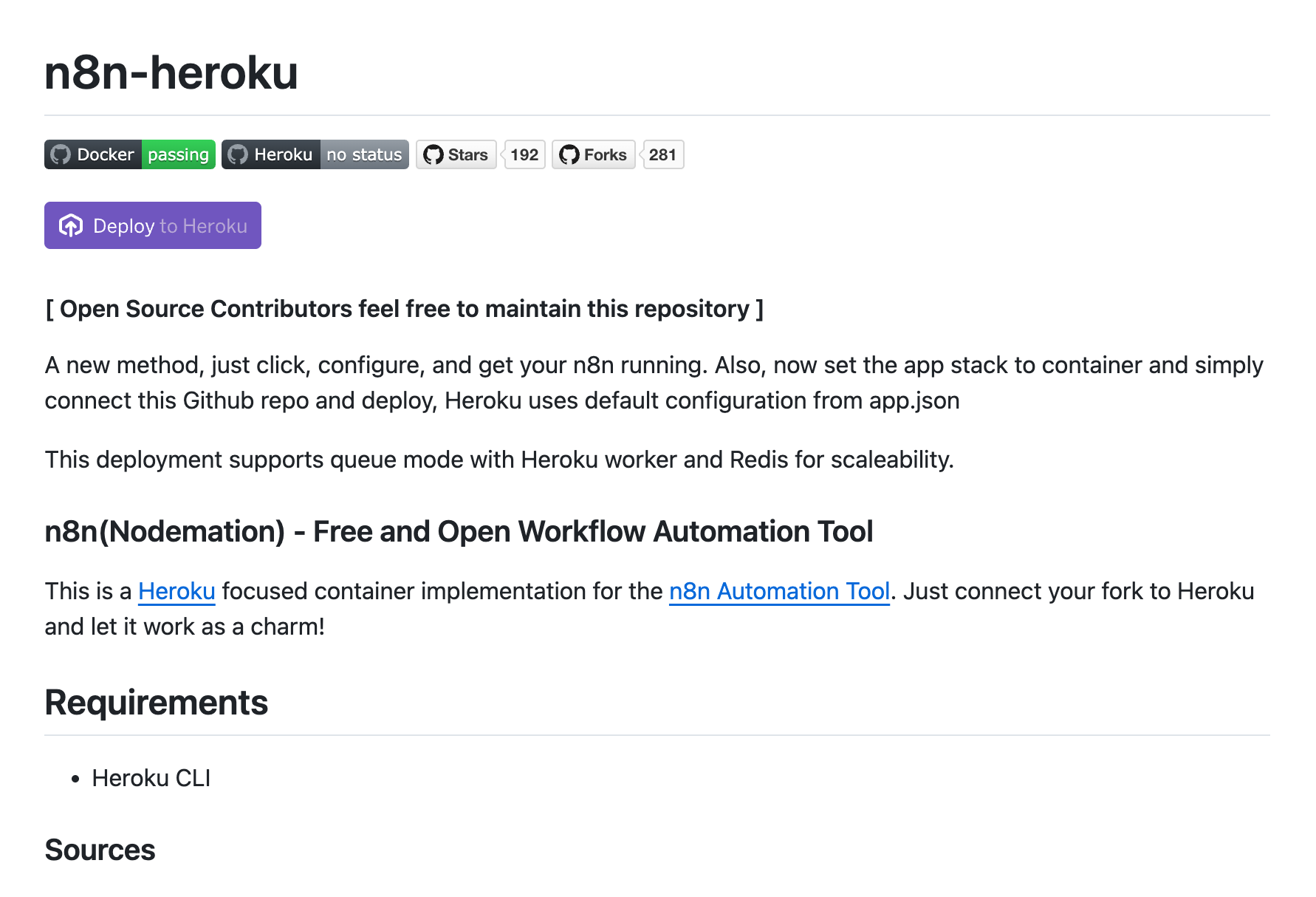
This solution allowed Plant-for-the-Planet to run critical automation pipelines on a zero-maintenance infrastructure. But beyond our use case, it took on a life of its own. The repository sarveshpro/n8n-heroku has since been starred and forked hundreds of times by other developers facing the exact same constraints.
Open source isn’t always about inventing a new framework. Sometimes, it’s just about banging your head against a wall until you find the door—and then holding that door open for everyone else.
If you need to deploy n8n on Heroku today, you don’t need to repeat my trial and error. You can just fork the solution here:
GitHub – sarveshpro/n8n-heroku
Leave a Reply